openclawopenclaw
OpenClaw
OpenClaw is a self-hosted, single-user AI gateway that bridges your messaging apps — WhatsApp, Telegram, Discord, Signal, iMessage, Slack, Matrix, Microsoft Teams, and 20+ more — to coding-capable AI agents running on your own hardware. You install one Gateway process (locally on macOS, Linux, Windows-WSL2, or in Docker), pair your devices and channels, and from that moment every DM you send on any connected platform routes to your private AI assistant. No hosted service sees your data; your workspace, your sessions, and your memory files live on your machine. OpenClaw is built for developers and power users who want agentic AI — full tool use, file access, sandbox execution, voice, and multi-agent orchestration — delivered through the messaging surfaces they already live in.
Showcase
Real-world skills and integrations built by the OpenClaw community, collected on the showcase gallery.
PR review skill running in Telegram
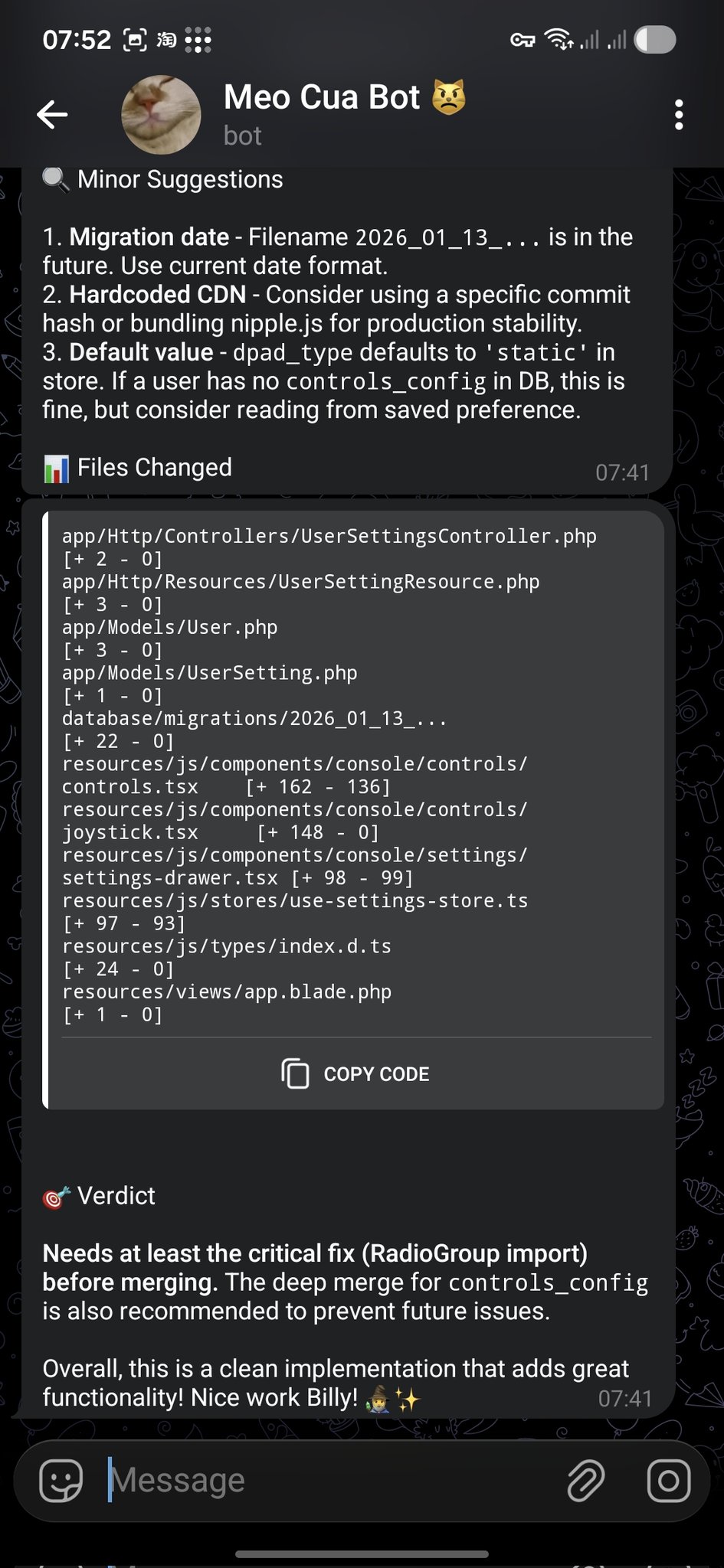 A coding-agent skill surfacing GitHub PR review comments directly inside a Telegram group.
Agents UI dashboard
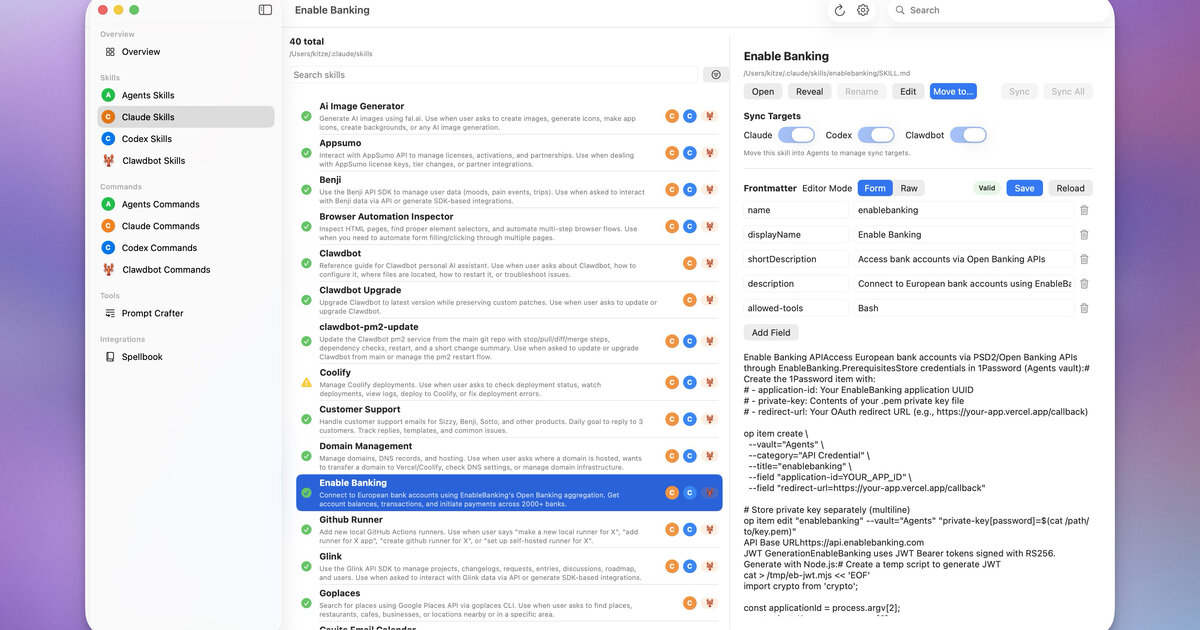 The gateway's web Control UI showing active agent sessions, routing state, and connected nodes.
Oura health tracker integration
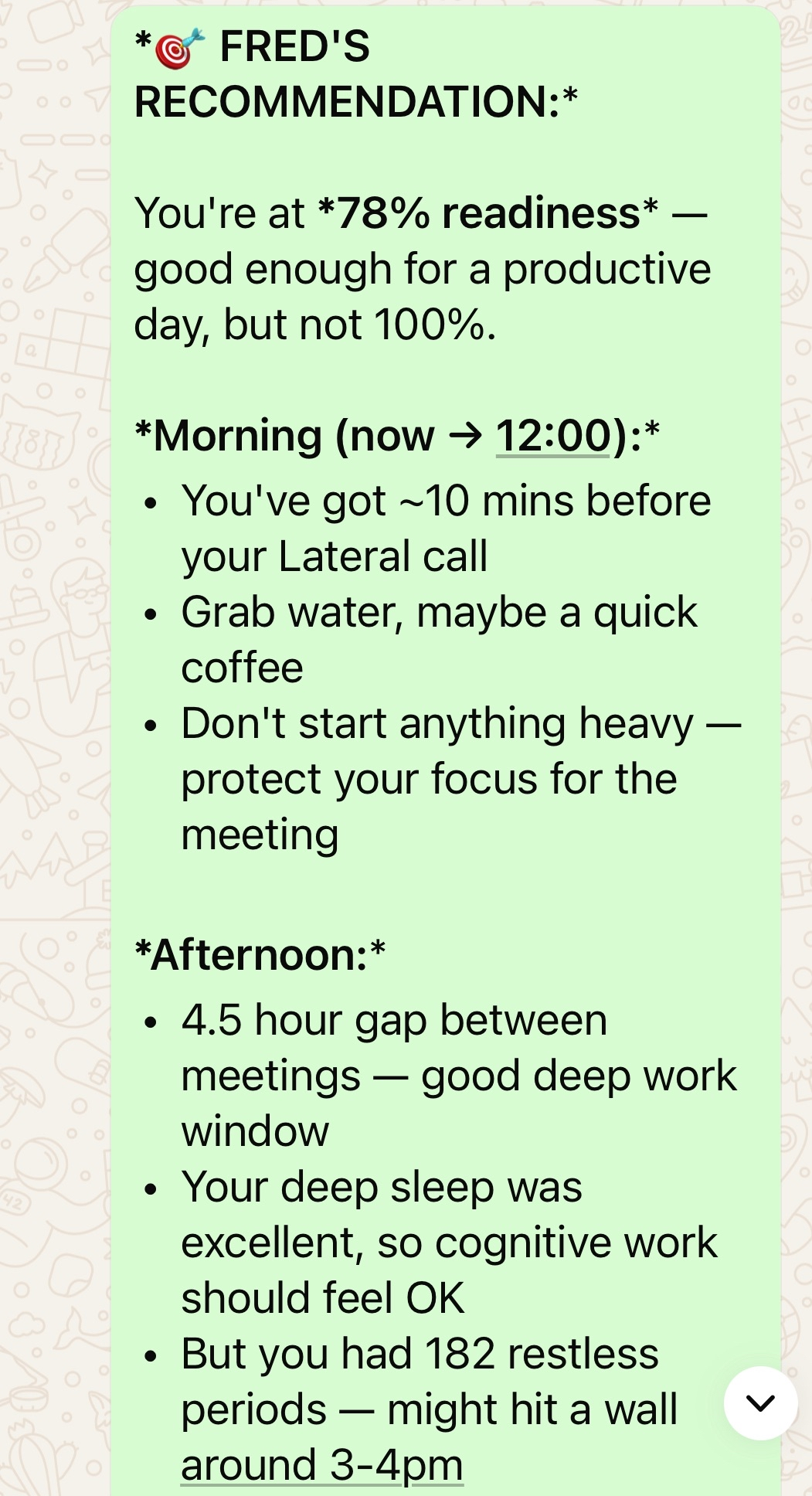 An Oura ring health-data skill queried directly through chat — sleep scores, readiness, and activity pulled on demand.
Codex monitor skill
 A Codex monitor skill showing live coding-agent run status and approval prompts inside the chat UI.
Live examples
- Get started — install the Gateway in minutes
- Showcase gallery of real-world skills and integrations
- Step-by-step onboarding wizard (
openclaw onboard) - Channels index — every supported messaging platform
- Skills catalogue — bundled and community skills
- Gateway architecture and configuration reference
- Multi-agent routing concepts
- FAQ and troubleshooting
Features
- 25+ messaging channels — WhatsApp, Telegram, Discord, Signal, Slack, iMessage (via BlueBubbles), Matrix, Microsoft Teams, Google Chat, Feishu/Lark, LINE, Mattermost, Nextcloud Talk, Nostr, QQ Bot, Synology Chat, Tlon (Urbit), Twitch, WebChat, WeChat, Zalo, Zalo Personal, IRC, and more via plugins
- Multi-agent routing — route channels, groups, or individual senders to isolated agents each with their own workspace, session, model, and tool set
- Agent Sandbox — per-agent or per-session Docker containers provide a hard execution boundary for untrusted or multi-tenant tool runs
- ACP conversation bindings — pin a chat thread to a persistent ACP (Agent Client Protocol) workspace for durable coding-agent sessions
- Skills system — inject on-demand SKILL.md guides (apple-notes, gh-issues, 1password, camsnap, canvas, coding-agent, gifgrep, and hundreds more) into the agent's context without bloating the base prompt
- Voice support — STT/TTS pipeline on macOS, iOS, Android, and Discord voice channels; speech-to-text transcription and voice-note delivery
- Canvas UI — agent-controlled rendering surface pushed to mobile nodes for rich visual output
- Mobile nodes (iOS + Android) — pair native apps to the Gateway over WebSocket for camera, voice, and Canvas workflows
- Web Control UI — browser dashboard for chat, config management, session inspection, and device pairing
- Streaming previews — live-edit draft replies in Telegram, Discord, Matrix, and Feishu as the model generates tokens
- Persistent memory — per-agent MEMORY.md files with active memory surfacing, Dreaming (background consolidation), and QMD semantic search
- Exec approvals — interactive button-based approval flow for shell commands across Telegram, Discord, and Slack
- Session isolation — per-agent session keys, history, workspace, and context buffer kept fully separate even in broadcast-group setups
- Containerized Gateway — Docker and Podman support with Docker Compose, health-check endpoints, and VPS deployment guides
- Profile rotation and model failover — automatic provider failover across OpenAI, Anthropic, Gemini, and OpenRouter
- DM pairing — explicit owner-approval step for every new sender; allowlist, open, or disabled policies per channel
- Broadcast groups — fan out one inbound message to multiple agents running in parallel with isolated sessions
- CLI toolkit —
openclaw onboard,openclaw gateway,openclaw message send,openclaw agent,openclaw doctor,openclaw pairing approve
Documentation
- Getting started — install and first run
- Onboarding wizard — guided channel and agent setup
- Channels — per-channel setup guides
- Skills — writing and installing skills
- Gateway configuration reference
- Agent runtimes and sandboxing
- Multi-agent routing
- Memory and dreaming
Quick start
npm install -g openclaw@latest
openclaw onboard --install-daemon
openclaw gateway --port 18789 --verbose
openclaw message send --channel telegram --target @you --message "Hello from OpenClaw"
openclaw agent --message "Review the open PRs" --thinking high
openclaw doctor